Human Subjects Division
Continuing Review and Closure

For an overview of the continuing review and study closure processes, review:
How to Submit Renewal or Closure Requests
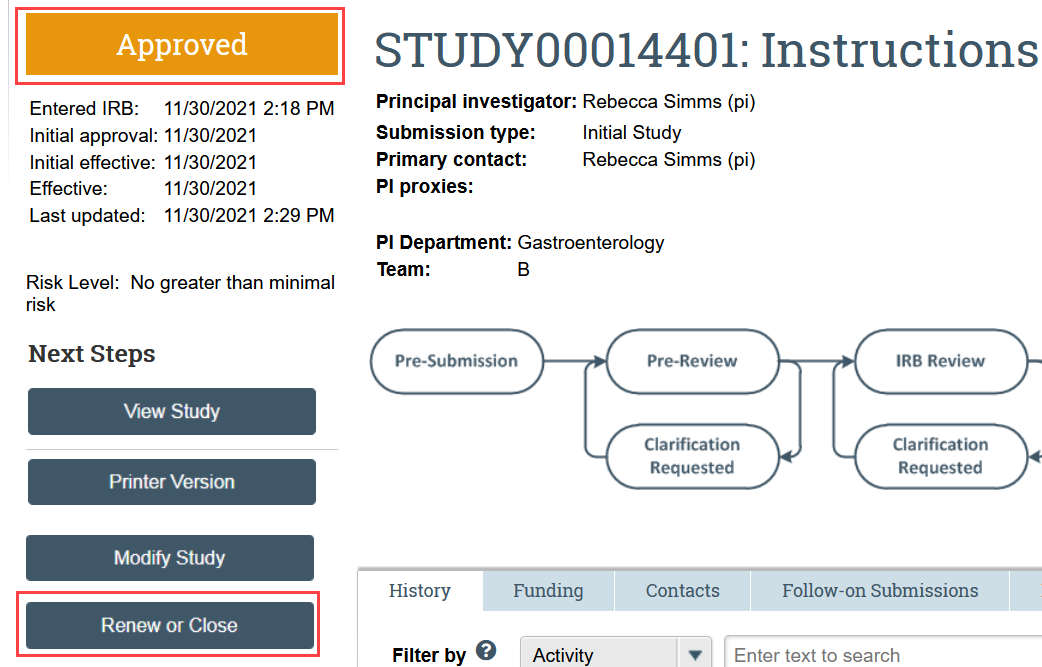
- Click Renew or Close in the study workspace
- The study must be Approved, Lapsed, or Suspended for this action to be available.
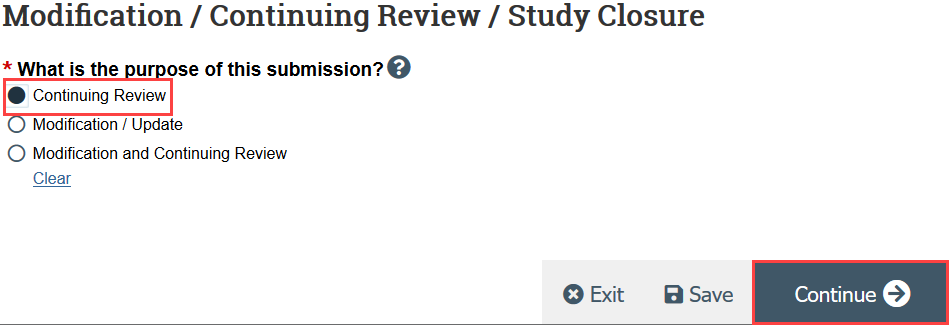
- HSD recommends creating 2 separate submissions instead of a combined modification and continuing review
- Indicate that the purpose of the submission is continuing review and click Continue
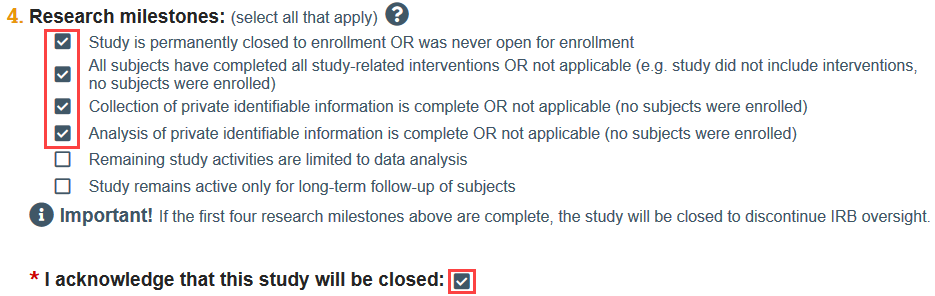
You will be prompted to acknowledge that the study will be closed if the first 4 research milestones are selected.
Attach the completed Status Report form. If your study requires radiation safety approval, you should also attach your radiation safety renewal here.
- Click the link to open the template
- Complete the template and save it to your computer
- Attach the template to the SmartForm, either using drag and drop, or by clicking Add
Click Save and Exit to leave the SmartForm and return to the submission workspace
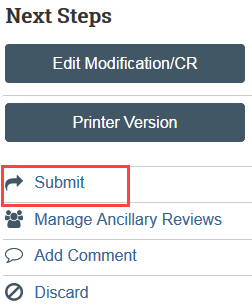
- Click Submit under Next Steps in the Continuing Review workspace
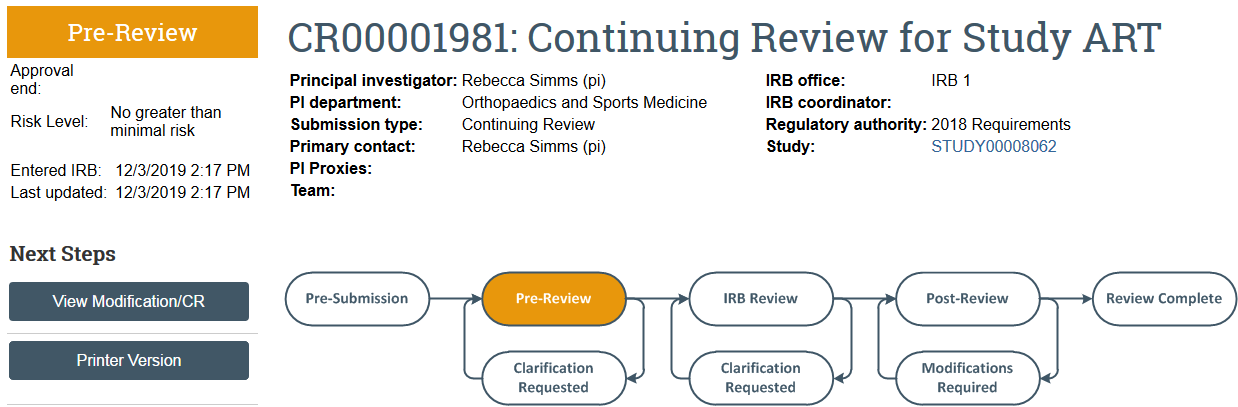
The continuing review transitions to Pre-Review state and is now in HSD’s queue for review.