Approve an Action
You must approve a Funding Action or a Post-Award Change before you can send it to GCA.
- Open the Action you want to approve from the Tasklist.
- Click Approve on the left navigation menu. A new window will open where you can enter notes and finalize the approval.
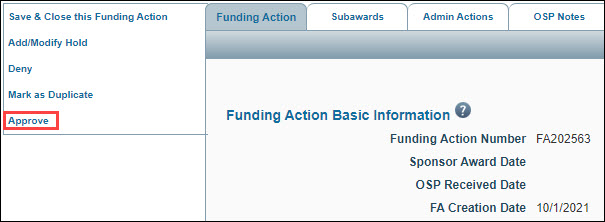
Note: If any required fields in the Action are not complete, you will receive Validation Errors when you click Approve. Simply close the window, complete the fields identified in the error message(s), and then repeat Step 2.
- Within the Approve window, enter comments related to this status change in OSP notes. Any comments you enter will appear in the OSP Notes History section of the Action.
- Click Approve.
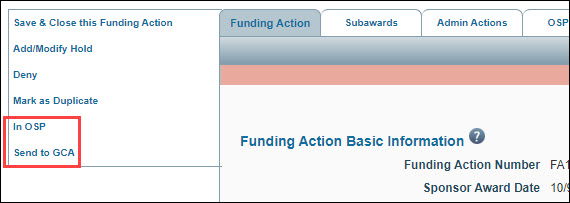
Note: After you approve an FA or PAC, the left navigation menu includes two new options: In OSP, and Send to GCA. If the action is on hold, the Send to GCA option will not appear.