Human Subjects Division
Withdraw or Discard

Overview
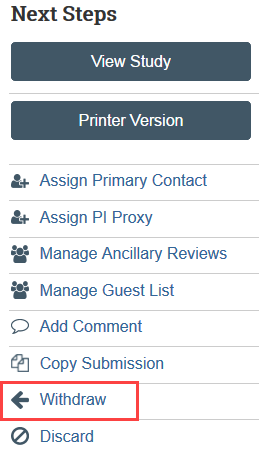
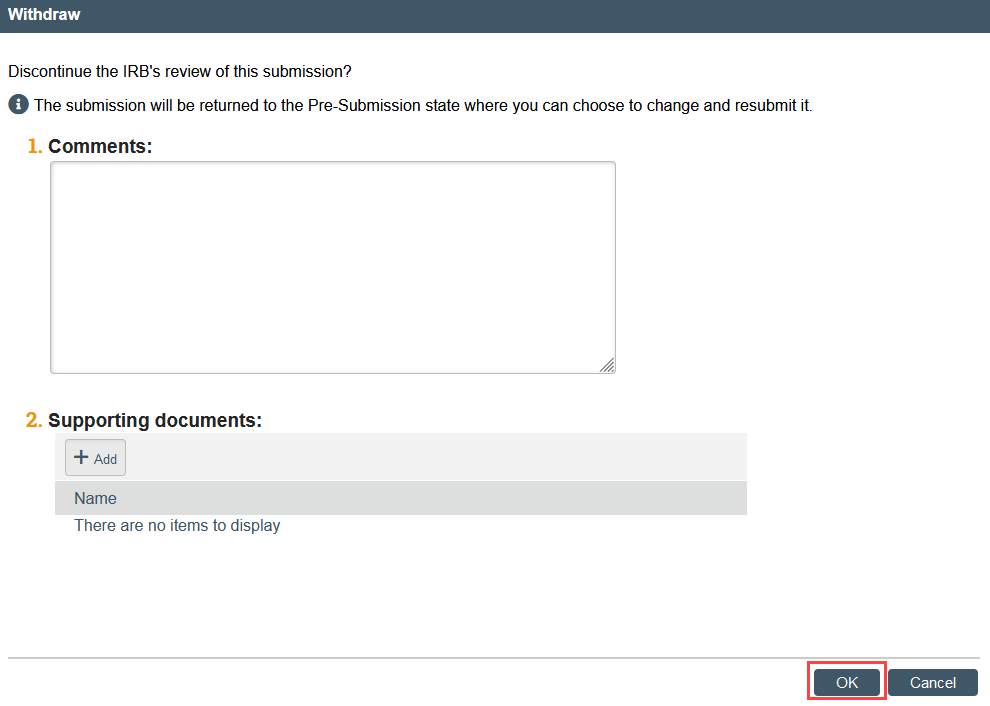
Withdrawing an application:
- Is available to the PI and PI proxy (for initial applications, modifications, and continuing review) and to the submitter (for RNI)
- Generally should not be used if HSD has already begun review (instead edits should be made as a part of the review process)
- Returns the application to “Pre-Submission” state and the My Inbox area so edits can be made
- Requires that the PI or PI Proxy resubmit to get the application back in HSD’s queue for review
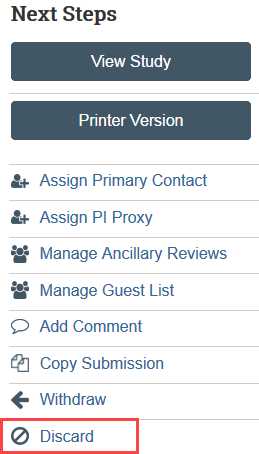
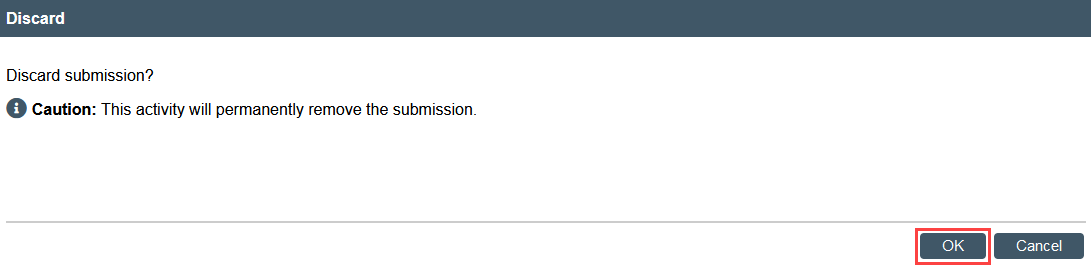
Discarding an application:
- CRs/Modifications/Reports of New Information: Discarding one of these submission types does NOT impact the parent study
- Is available to the PI and PI proxy (for initial applications, modifications, and continuing review) and to the submitter (for RNI)
- Should be used if the application should not be reviewed by HSD
- Moves the application to the “Archived” area in Zipline
- Still allows the application to be copied using the Copy Submission activity
How to Withdraw an Application
How to Discard an Application